Squad Up Anywhere: Xbox Cross-Play Unlocked
Cross platform gaming Xbox just hit a new level. You’re no longer stuck playing with friends on the same device or platform. Whether you’re on Xbox Series X|S, PC, or streaming via Xbox Cloud Gaming, squad up anywhere without the hassle. Get ready to master Xbox cross play with tips on setup, voice chat, cross save, and keeping your crew close no matter where they game. Jump in now! Learn more here.
Cross-Platform Gaming Basics
Welcome to the world of cross-platform gaming! Imagine playing your favorite games with friends, no matter what device they use. With Xbox, this dream is now a reality. Let’s explore how you can connect and play seamlessly across devices.
Setup Your Xbox Cross Play
Getting started with Xbox cross play is easier than you think. Start by ensuring your Xbox Live account is active. This account is your gateway to the gaming universe, enabling you to play with friends across platforms. Next, check that your games support cross play. Titles like Fortnite and Call of Duty are great examples. Dive into your game settings and enable cross-network play. This simple action lets you game with friends on different platforms, from PC to console.
For a smooth setup, ensure your internet connection is strong. A stable connection prevents lag and keeps your gaming sessions enjoyable. If you face any hiccups, the Xbox support page has detailed guides to help you troubleshoot. Remember, the longer you wait to set this up, the more epic gaming sessions you’ll miss!
Adding Xbox App Friends
Connecting with friends on Xbox has never been easier. With the Xbox app, you can add friends, chat, and see what they’re playing. Start by downloading the Xbox app on your phone or PC. Once you’re in, sign in with your Xbox Live account. In the app, navigate to the ‘Friends’ section and search for your friends using their gamertags. Adding friends is as easy as a click.
The app even lets you see game activity. Know when your friends are online and join their games or invite them to yours. Feeling nostalgic for past gaming nights? Relive them with Xbox’s activity feed. Here’s the key insight: with the Xbox app, you’re never far from your gaming crew, no matter where you are!
Linking Discord on Xbox
Voice chat is crucial in gaming, and Discord is a fan favorite. Linking Discord to your Xbox enhances your communication. Start by opening the Discord app on your phone or PC. In settings, find the ‘Connections’ tab and click on the Xbox logo. Follow the prompts to link your Xbox account.
Once linked, you can see what games your friends are playing on Discord. Jump into voice channels directly from your Xbox dashboard. This integration is perfect for coordinating strategies or just catching up. Most people think voice chat is built into every game, but with Discord, you get superior quality and flexibility. Try it out and hear the difference!
Play Anywhere Xbox Adventures
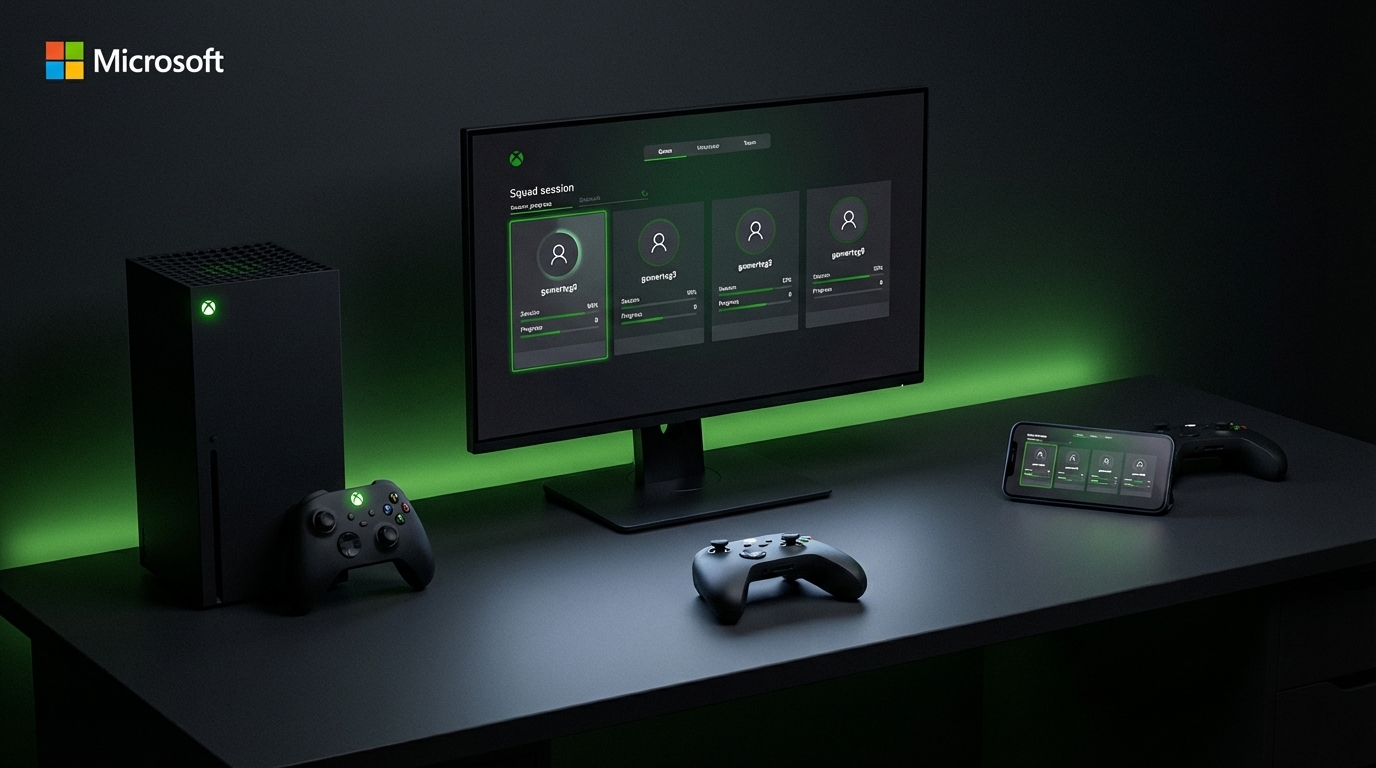
With cross-platform setup out of the way, it’s time to explore where you can take your gaming. Xbox offers unique perks and features that let you play anywhere, anytime. Let’s dive into these exciting options.
Xbox Game Pass Ultimate Perks
Xbox Game Pass Ultimate is a gamer’s treasure chest. For a monthly fee, you gain access to hundreds of games. Whether you love action, strategy, or indie titles, there’s something for everyone. Plus, new games are added regularly, keeping your library fresh. It’s not just about quantity; quality is key. Dive into popular titles like Halo and Forza, available on day one of release.
One of the best perks? You can play on console, PC, or cloud. Wherever you are, your games are just a click away. Imagine playing on your console at home, then continuing on your PC at a friend’s place. Most gamers think they need to buy games separately for different devices, but with Game Pass, one subscription covers it all.
Smart Delivery for Every Device
Smart Delivery is a game-changer for Xbox users. This feature ensures you always play the best version of your games, regardless of the device. Buy a game once and enjoy it on Xbox One and Xbox Series X|S. The system automatically delivers the version optimized for your console.
No need for manual upgrades or downloads. Smart Delivery handles it for you, saving time and storage. For example, if you upgrade to a Series X, your games will automatically update to the enhanced version. This feature defies the common belief that upgrades are complicated. With Smart Delivery, Xbox proves that gaming is all about ease and enjoyment.
Xbox Cloud Gaming on the Go
Imagine playing your favorite games while waiting for a bus or during a lunch break. Xbox Cloud Gaming makes this possible. Stream games directly to your mobile or tablet, no console needed. All you need is a Game Pass Ultimate subscription and a stable internet connection.
This flexibility lets you enjoy high-quality gaming anywhere. Whether you’re at home or traveling, your games are always with you. Many think mobile gaming lacks depth, but with Xbox Cloud Gaming, you experience console-quality graphics and gameplay on the go. Try it out and redefine your gaming experience!
Xbox Cross Save and Progression
Keeping your progress intact across devices is crucial. Xbox cross save ensures your game achievements follow you everywhere. Let’s explore how to manage and optimize your gameplay progression.
Cross Save Xbox Essentials
Cross save is a lifesaver for multi-device gamers. It lets you save your game progress in the cloud and access it on any device. Start by enabling cloud saves in your Xbox settings. This feature syncs your progress automatically, so you never lose your achievements.
Whether you start a game on a console and continue on a PC, your progress remains seamless. No more starting over or losing hard-earned levels. For those who love switching devices, cross save is a must. Remember, the sooner you set up cloud saves, the more seamless your gaming journey will be.
Managing Xbox Friends List
Keeping track of gaming buddies enhances your Xbox experience. An updated friends list ensures you’re always ready for multiplayer action. Use the Xbox app or console to add or remove friends. Regularly check who’s online and join games effortlessly.
Your friends list is more than just names. It’s a hub of activity where you can see what others are playing or join their parties. Most gamers overlook the power of a well-managed list, but it’s your ticket to never missing out on epic sessions.
Remote Play Xbox Tips and Tricks
Remote Play lets you stream your Xbox console games to your mobile or PC. Perfect for when the TV is occupied or you’re away from your console. Ensure both your Xbox and device are on the same network. Download the Xbox app and connect to your console.
From there, you can play any installed game. The beauty of Remote Play lies in its flexibility. It’s like having a portable console at your fingertips. Try these tips and transform how you game. The myth that gaming needs to be stationary is now debunked!
By mastering these cross-platform tips, you unlock limitless gaming potential. Dive into the Xbox ecosystem and enjoy gaming without boundaries. Keep your crew close, your games closer, and never miss a moment!